
Hub documentation
Using ML-Agents at Hugging Face
Using ML-Agents at Hugging Face
ml-agents is an open-source toolkit that enables games and simulations made with Unity to serve as environments for training intelligent agents.
Exploring ML-Agents in the Hub
You can find ml-agents models by filtering at the left of the models page.
All models on the Hub come up with useful features:
- An automatically generated model card with a description, a training configuration, and more.
- Metadata tags that help for discoverability.
- Tensorboard summary files to visualize the training metrics.
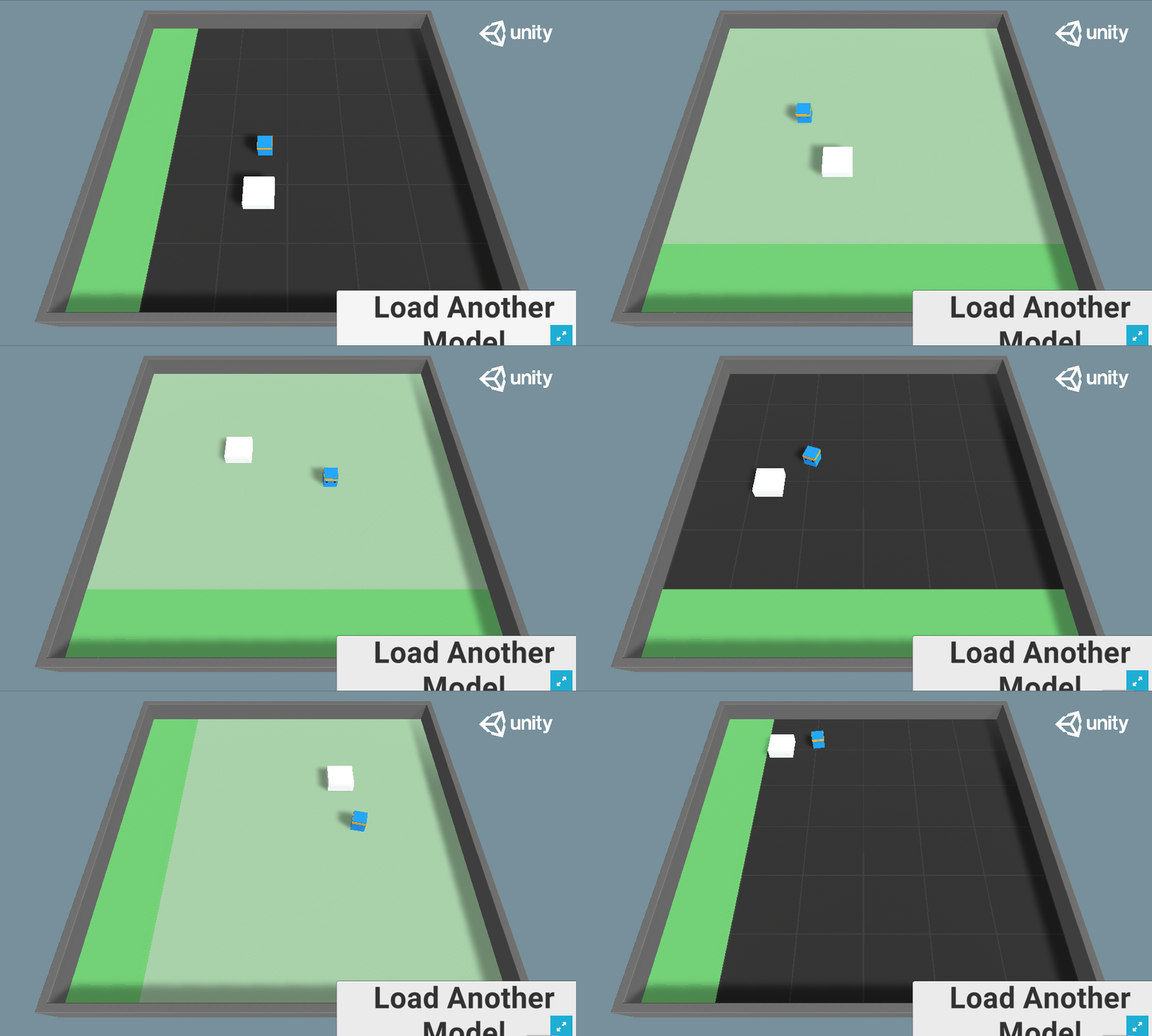
- A link to the Spaces web demo where you can visualize your agent playing in your browser.
Install the library
To install the ml-agents library, you need to clone the repo:
# Clone the repository
git clone https://github.com/Unity-Technologies/ml-agents

# Go inside the repository and install the package
cd ml-agents
pip3 install -e ./ml-agents-envs
pip3 install -e ./ml-agents
Using existing models
You can simply download a model from the Hub using mlagents-load-from-hf.
mlagents-load-from-hf --repo-id="ThomasSimonini/MLAgents-Pyramids" --local-dir="./downloads"You need to define two parameters:
--repo-id: the name of the Hugging Face repo you want to download.--local-dir: the path to download the model.
Visualize an agent playing
You can easily watch any model playing directly in your browser:
- Go to your model repo.
- In the
Watch Your Agent Playsection, click on the link. - In the demo, on step 1, choose your model repository, which is the model id.
- In step 2, choose what model you want to replay.
Sharing your models
You can easily upload your models using mlagents-push-to-hf:
mlagents-push-to-hf --run-id="First Training" --local-dir="results/First Training" --repo-id="ThomasSimonini/MLAgents-Pyramids" --commit-message="Pyramids"You need to define four parameters:
--run-id: the name of the training run id.--local-dir: where the model was saved.--repo-id: the name of the Hugging Face repo you want to create or update. It’s<your huggingface username>/<the repo name>.--commit-message.
Additional resources
- ML-Agents documentation
- Official Unity ML-Agents Spaces demos