

rmfg

Example
Image
 Output
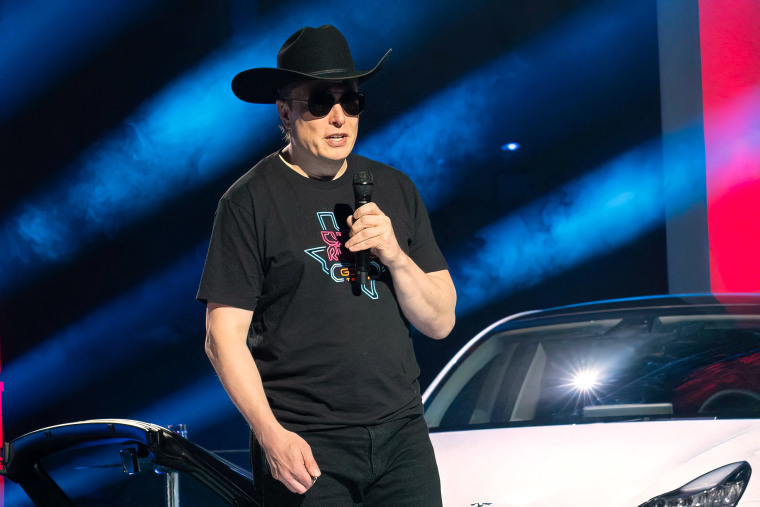
A man in a black cowboy hat and sunglasses stands in front of a white car, holding a microphone and speaking into it.
- underfit, doesn't perform well
- this marks the beginning of my tiny vision language model series, with this model serving as a prelude to what's to come in the next few days.
from transformers import AutoModelForCausalLM, AutoTokenizer
from PIL import Image

model_id = "aloobun/rmfg"
model = AutoModelForCausalLM.from_pretrained(
    model_id, trust_remote_code=True
)
tokenizer = AutoTokenizer.from_pretrained(model_id)

image = Image.open('692374.jpg')
enc_image = model.encode_image(image)
print(model.answer_question(enc_image, "Describe this image.", tokenizer))
- Downloads last month
- 9