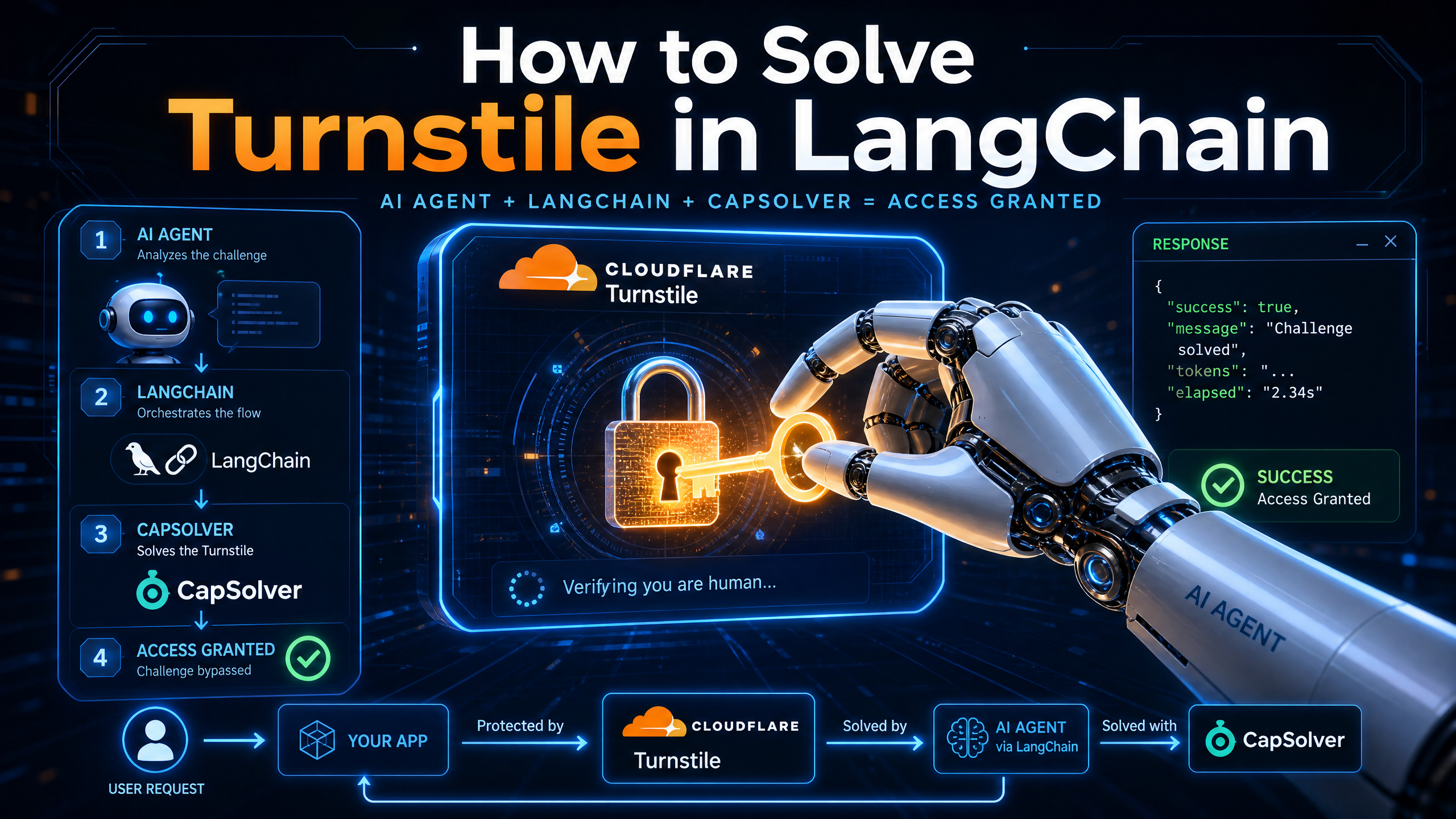
How to Solve Turnstile in LangChain with CapSolver


Introduction
The burgeoning field of artificial intelligence has seen a significant rise in the development of autonomous agents, particularly those built using frameworks like LangChain. These agents are designed to interact with the web, automate complex workflows, and gather information at scale. However, their seamless operation is frequently interrupted by web security measures, most notably Cloudflare Turnstile. Turnstile, a sophisticated CAPTCHA alternative, poses a considerable challenge to automated systems by requiring human-like interaction to verify legitimate users. This article provides a comprehensive guide on how to effectively integrate CapSolver, an AI-powered CAPTCHA solving service, into LangChain agents to overcome Turnstile challenges, ensuring uninterrupted and efficient automated workflows.
The Challenge of Cloudflare Turnstile for AI Agents
Cloudflare Turnstile is a privacy-preserving CAPTCHA alternative that verifies visitors without requiring them to solve puzzles. Instead, it runs a series of non-interactive JavaScript challenges in the background to detect bots. While beneficial for human users, this mechanism presents a significant hurdle for AI agents. When a LangChain agent encounters a Turnstile challenge, its automated process typically grinds to a halt, leading to workflow interruptions, manual intervention, and a lack of observability into the failure point. This is the production gap that CapSolver aims to close, allowing agents to navigate these verification walls seamlessly [1].
CapSolver: A Recovery Layer for Agent Workflows
CapSolver acts as a crucial recovery layer, sitting between the AI agent and the verification wall. It solves the challenge and returns the result inline, allowing the original task to continue without re-architecting the agent framework or browser infrastructure. This approach ensures that orchestration, browser sessions, and business logic remain intact, with CapSolver adding the missing layer for handling human-verification challenges [1].
Key features that make CapSolver production-grade include:
- Retry Logic and Observability: Every solve returns a usable token and a request identifier, making each challenge traceable for attribution, retries, and debugging [1].
- Cloud-based Solving: Detection, parameter assembly, and result fill-back occur on the agent's side via the SDK, while the actual recognition and solving are performed by CapSolver's AI service in the cloud [1].
CapSolver currently supports reCAPTCHA v2, v3, and Cloudflare Turnstile, among other CAPTCHA types [1] [2].
How CapSolver Solves Turnstile Challenges
CapSolver streamlines the process of overcoming verification challenges into five distinct stages:
- Detect: The AI agent or browser flow encounters a human-verification challenge.
- Solve: CapSolver addresses the challenge using its AI service.
- Recover: The solution (e.g., a token) is returned inline to the agent flow.
- Continue: The agent resumes and completes its original task.
- Observe: A request ID, status, and error information provide traceability for every solve [1].
Integrating CapSolver with LangChain Agents
Integrating CapSolver into a LangChain agent involves using the capsolver-agent package, which wraps the core SDK's methods as tools that an LLM can call. This allows the model to decide when to invoke the solving capability, maintaining its reasoning loop [1] [4].
Installation and Setup
First, ensure you have a CapSolver account and API key. You will need to install the capsolver-core and capsolver-agent packages, as capsolver-agent depends on capsolver-core [2] [4].
# 1) Install the core engine first
pip install git+https://github.com/capsolver-ai/capsolver-core.git

# 2) Then install agent itself with LangChain support
pip install "capsolver-agent[langchain] @ git+https://github.com/capsolver-ai/capsolver-agent.git"

# Install playwright for browser mode (if needed for detect/solve_on_page)
pip install playwright
playwright install chromium
Next, set your CapSolver API key as an environment variable [2] [4]:
export CAPSOLVER_API_KEY="your-capsolver-api-key"
Alternatively, you can pass the API key directly to create_capsolver() or create_executor() [2] [4].
Core Concepts: Token Mode vs. Browser Mode
CapSolver offers two primary modes for solving CAPTCHAs:
- Token Mode: Used when the CAPTCHA type, page URL, and site key are already known. No browser is required, and the solution is returned as a token [2] [3].
- Browser Mode: Ideal when only the page URL is available. The SDK auto-detects CAPTCHAs on the page, solves them, and fills the tokens back into the DOM. This mode requires Playwright [2] [3].
For LangChain agents, the capsolver-agent package provides tools that abstract these modes, allowing the LLM to interact with them seamlessly.
Wiring Solving into the Conversation Loop
The integration process involves three main steps within the LLM's conversation-tool loop [4]:
Connect Core: Create an Executor: The
capsolver-agentprovides aToolExecutorthat wraps thecapsolver-coreengine. This executor dispatches the model's tool calls to the corresponding core methods.from capsolver_agent.schema import create_executor executor = create_executor(api_key="YOUR_CAPSOLVER_KEY")Hand Tools to the Model: Obtain the tool definitions from
capsolver-agentand pass them to the LLM as its function-calling interface.from capsolver_agent.schema import get_all_tools tools = [t.to_openai_function() for t in get_all_tools()]Execute the Call the Model Returns: When the model decides to call a tool, use the executor to execute it and feed the result back to the model.
import asyncio, json
from openai import OpenAI
from capsolver_agent.schema import get_all_tools, create_executor

client = OpenAI() # Your LLM client
executor = create_executor(api_key="YOUR_CAPSOLVER_KEY")
tools = [t.to_openai_function() for t in get_all_tools()]

async def run(prompt: str) -> str:
    messages = [{"role": "user", "content": prompt}]
    while True:
        resp = client.chat.completions.create(model="gpt-4o", messages=messages, tools=tools)
        msg = resp.choices[0].message
        messages.append(msg)
        if not msg.tool_calls:
            return msg.content
        for call in msg.tool_calls:
            result = await executor.execute(
                call.function.name,
                json.loads(call.function.arguments),
            )
            messages.append({
                "role": "tool",
                "tool_call_id": call.id,
                "content": json.dumps(result),
            })

asyncio.run(run("Solve the Cloudflare Turnstile on https://example.com for me; the sitekey is 0x4AAAAAA... "))
This example demonstrates how an OpenAI-compatible LLM can be integrated to call CapSolver tools within its reasoning loop, allowing it to autonomously solve Turnstile challenges [4].
Conclusion
Integrating CapSolver into LangChain agents provides a robust solution for overcoming Cloudflare Turnstile challenges, enabling seamless and efficient automated web interactions. By leveraging CapSolver's AI-powered solving capabilities, developers can build more resilient AI agents that can navigate the complexities of modern web security without human intervention. This not only enhances the reliability of agent workflows but also unlocks new possibilities for large-scale data collection, account automation, and automated testing.
References
[1] CapSolver for AI Agents [2] Introduction & Quick Start [3] Core SDK [4] Agent Tools
TDK Information
- Title: How to Solve Cloudflare Turnstile in LangChain: A Technical Guide for AI Agents
- Meta Description: Learn how to autonomously resolve Cloudflare Turnstile challenges within LangChain using CapSolver agent tools. This guide covers integration, installation, and code examples.
- Keywords: Cloudflare Turnstile, LangChain, AI agent, CAPTCHA solver, CapSolver API, automated web interaction, web security bypass.
- Cover Image Alt Text: A high-tech conceptual visualization of an AI agent navigating a Cloudflare Turnstile barrier using LangChain and CapSolver.